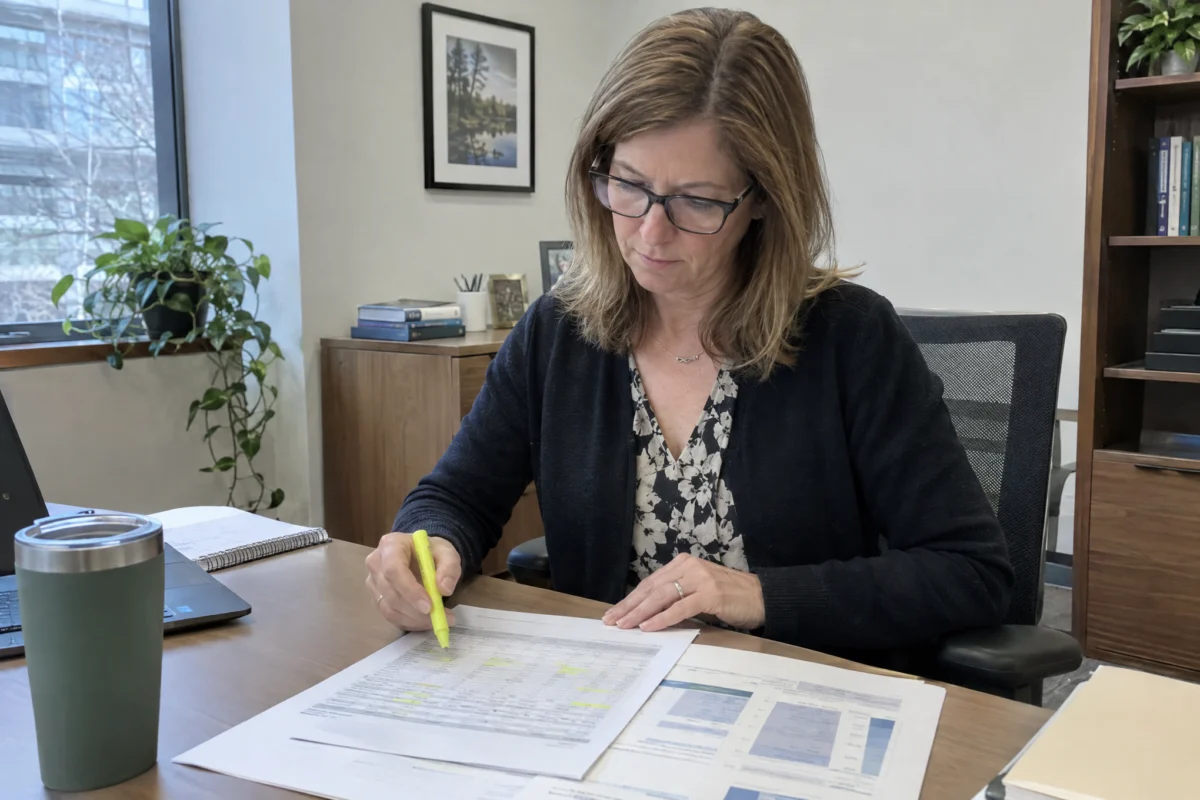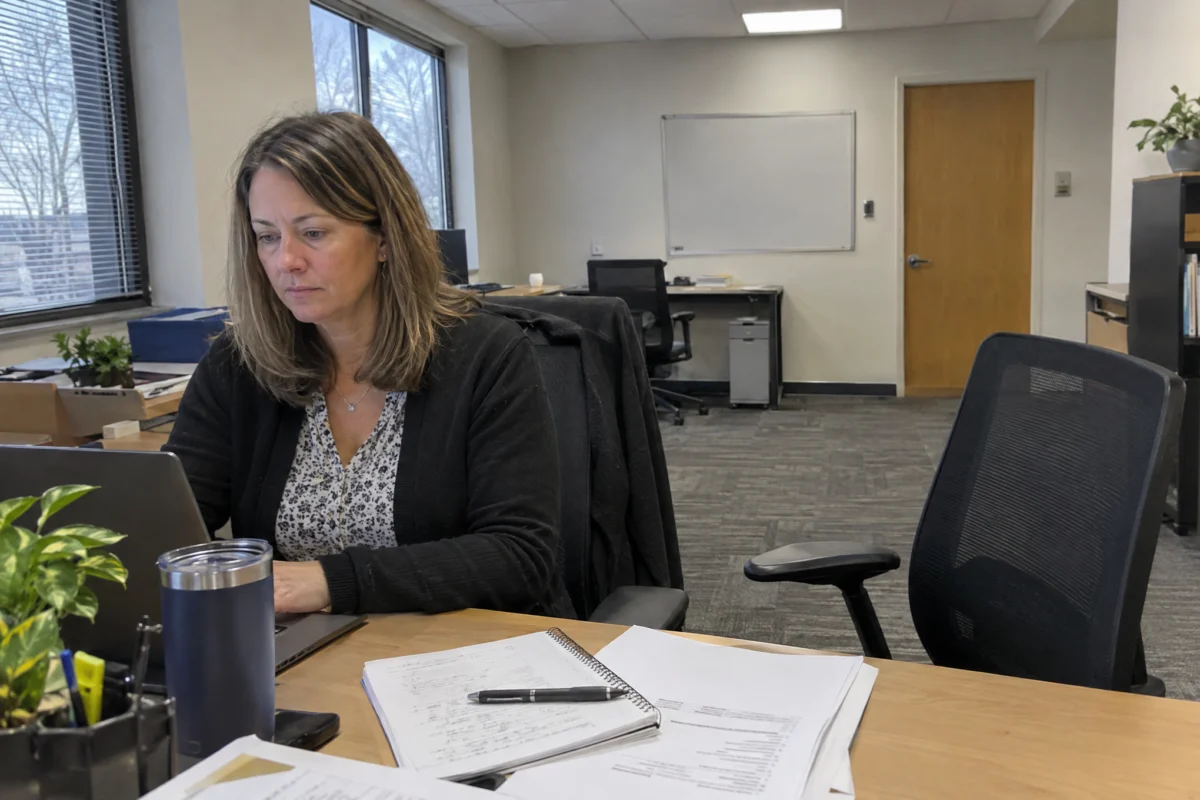
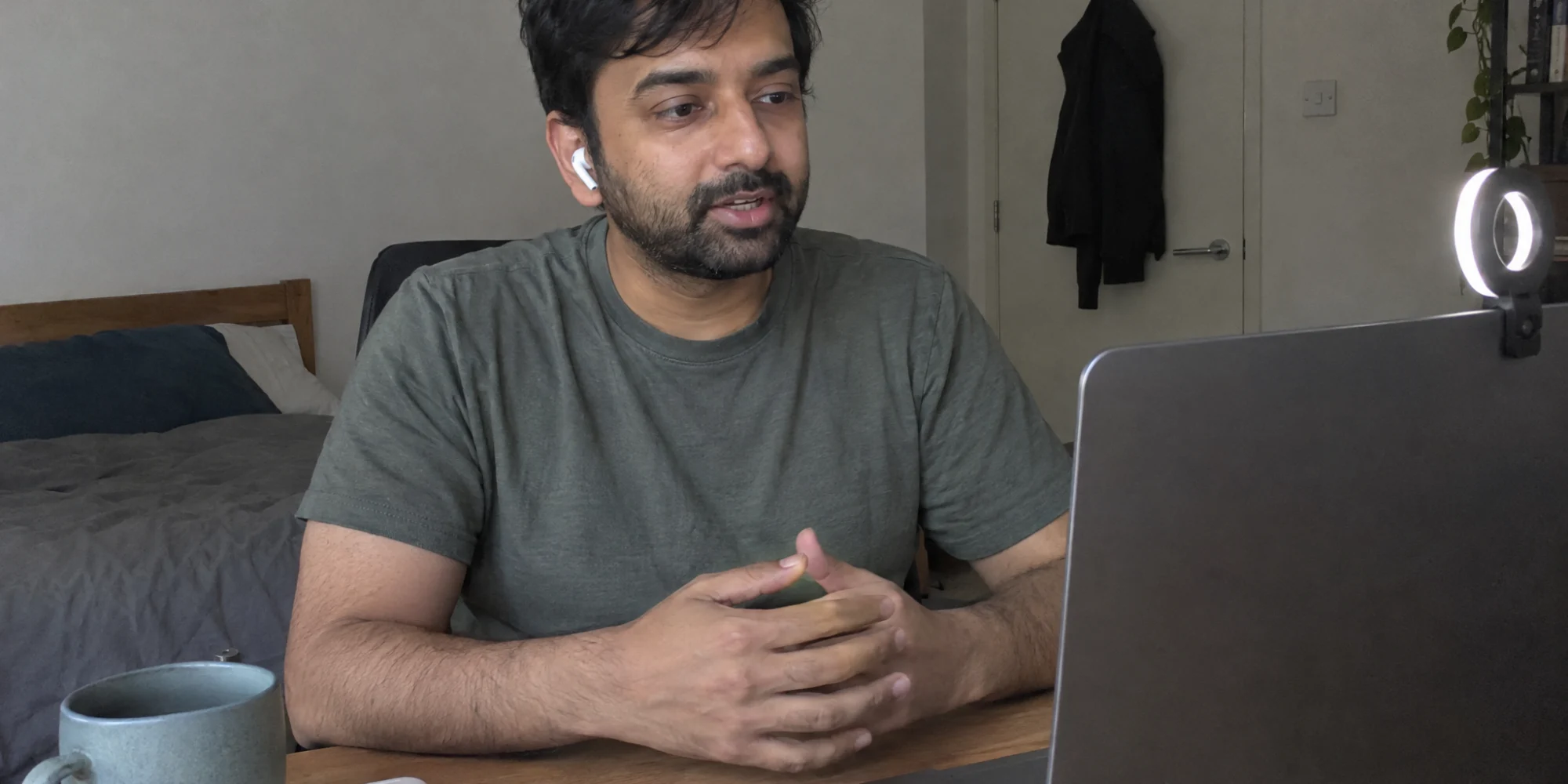
The day before
- Test the exact setupOpen the meeting link or app you will use, on the same device, and check camera, microphone and speakers.
- Charge and connectPlug in your laptop. If your Wi-Fi is unreliable, sit closer to the router or use a wired connection.
- Prepare your storiesPick four or five examples that show your skills, using the situation, task, action and result structure.
- Have a backupKeep your phone charged and the interviewer's number or email handy in case the connection drops.
Set up your space
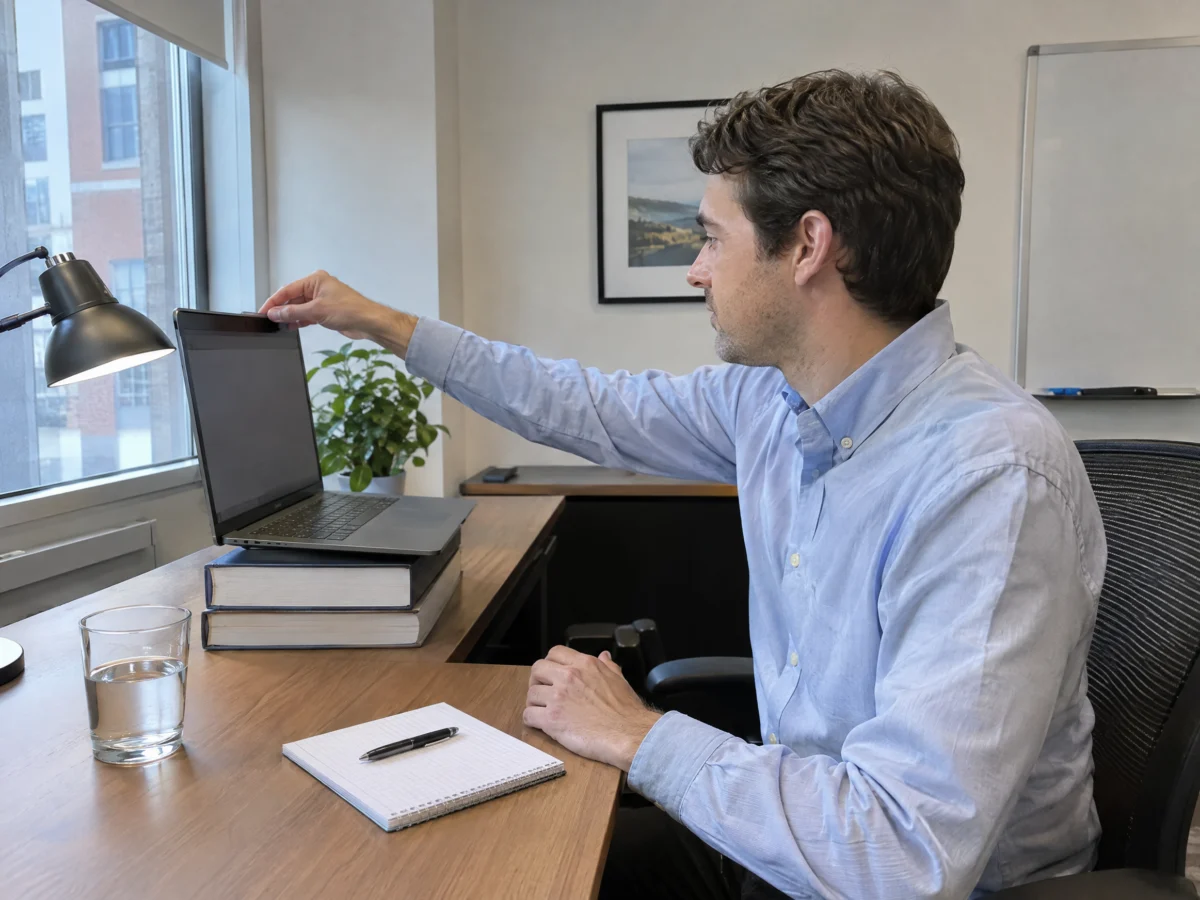
- Camera at eye level. Stack books under your laptop so you are not looking down into the lens.
- Light in front of you. Face a window or put a lamp behind the screen. A bright window behind you turns you into a silhouette.
- A calm background. A plain wall or tidy shelf is ideal. Use a blur or a simple virtual background only if your space is distracting.
- Quiet. Close windows, silence notifications and let others at home know when you will be on camera.
- Dress for the role. Wear what you would wear to an in-person interview, top to bottom.
During the interview
- Join five minutes early so you can fix anything that goes wrong.
- Look at the camera when you speak and at the screen when you listen.
- Pause for a beat after questions; video lag makes it easy to talk over each other.
- Keep answers to about two minutes, then stop and let them ask more.
- Keep brief notes beside the screen, but do not read from them.
- Have two or three thoughtful questions ready about the role, the team and what success looks like.
Recorded (one-way) interviews
Some employers send questions you answer on video without anyone on the other end. Use any practice question the platform offers, check how many attempts you get, and treat the camera as the interviewer. Speak a little more slowly than usual and smile at the start and end of each answer.
If something goes wrong
Stay calm and say what is happening: “I think my audio dropped, could you repeat the question?” If the call fails, rejoin straight away and, if that does not work, send a short message with your phone number. Interviewers care far more about how you handle a problem than about the problem itself.
Afterwards
Send a short thank-you within 24 hours. Mention one thing you discussed and why it makes you more interested in the role. If you are working with a recruiter, call them straight after the interview; your impressions help them make the case for you.